
Check The Articles for Radiology Topics and Researches
DICOM to Image Converter
Convert .dcm files to PNG, JPG, or WebP.
Drag & Drop Files Here
or
From Our Learning Hub
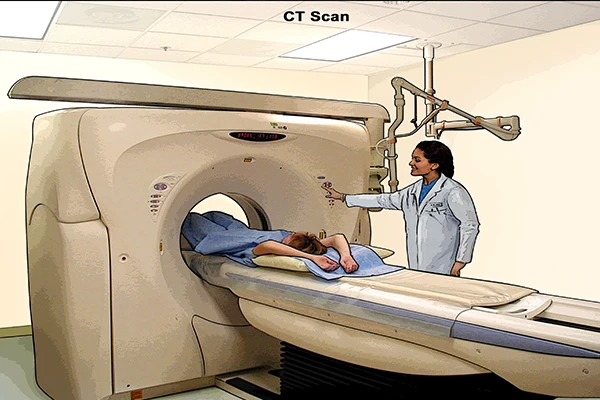
An Introduction to Computed Tomography (CT)
Learn how CT scanners use X-rays and computer processing to create detailed cross-sectional images of the body.

What is AI in Radiology? A Foundational Guide
Explaining machine learning, deep learning, and how algorithms are trained to analyze medical images.
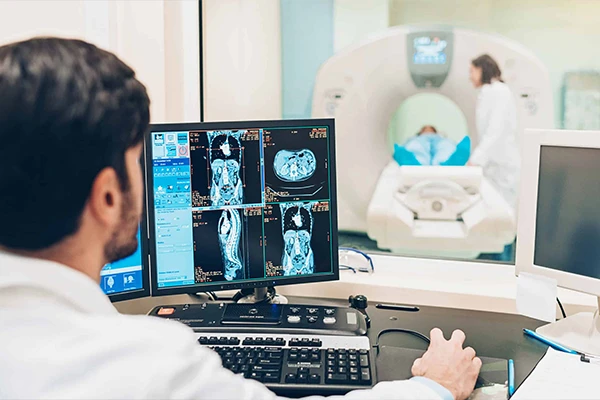
A Day in the Life of a Radiology Technologist
An inside look at the daily responsibilities, from quality control to patient care to image acquisition.
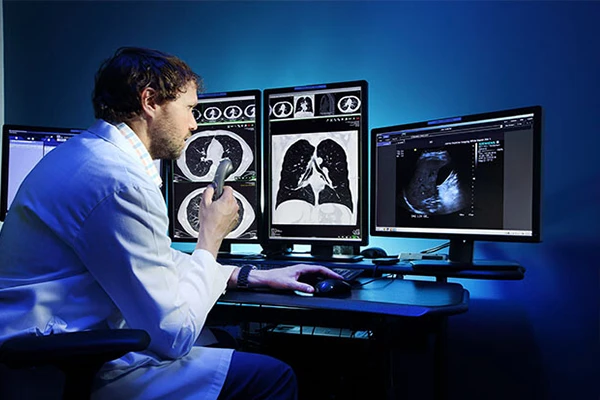
How to Read Your Radiology Report
A patient-friendly guide to understanding your radiology report and its common terms.
How to Convert Files in 3 Easy Steps
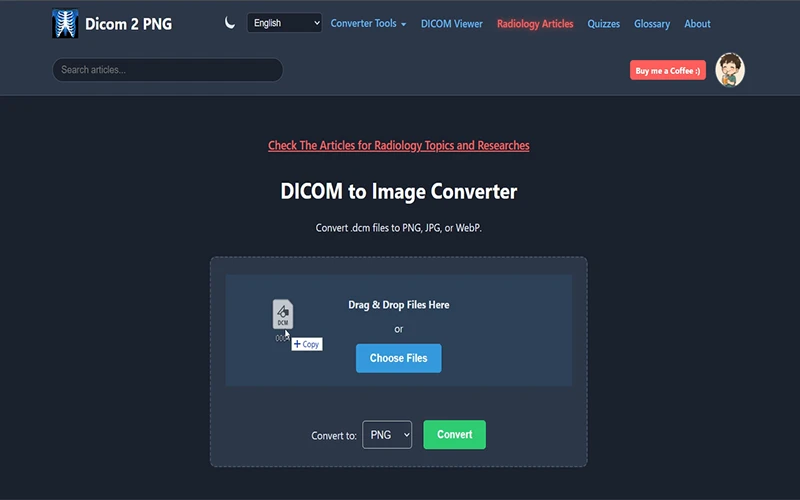
Step 1: Choose Your Files
Drag and drop your files into the upload area, or click the 'Choose Files' button to select them.
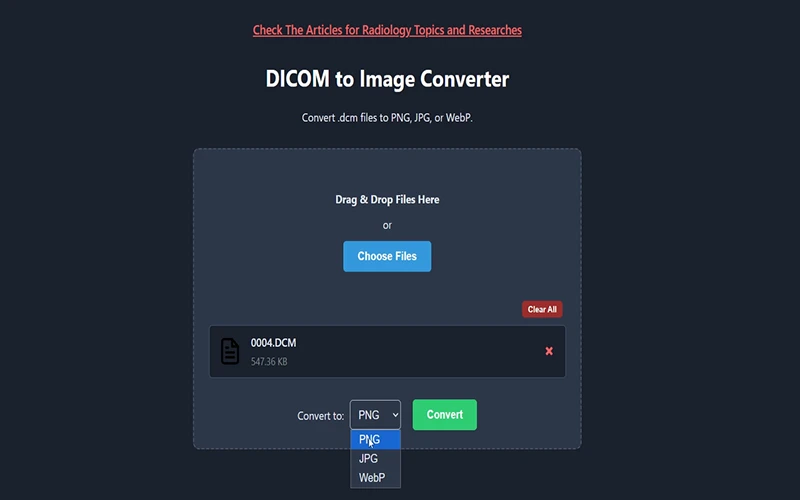
Step 2: Select Output Format
Choose your desired output format from the dropdown menu.
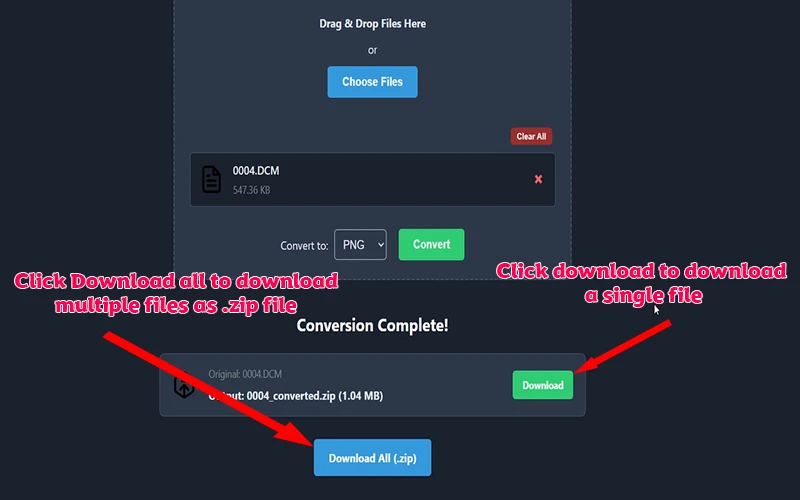
Step 3: Convert & Download
Click the 'Convert' button. Once complete, download your new files individually or as a .zip archive.
About Dicom 2 PNG
As a radiology technologist, I built this tool to bridge the gap between complex DICOM files and standard image formats. Our mission is to provide fast, secure, and free tools for the medical imaging community, alongside expert-written articles to support students and professionals.
Universal Image Converter
In addition to medical files, our site features a powerful, free online image converter. Whether you need to convert PNG to JPG to save space, change WebP to PNG for compatibility, or create favicons with our Image to ICO tool, everything is processed instantly and securely directly in your browser.
Frequently Asked Questions (FAQ)
Are my files secure?
Yes. Your privacy is our top priority. All processing happens in your browser. Your files are never uploaded to our servers, ensuring your data remains completely private.
Is this service really free?
Absolutely. All converter tools and articles on this site are free to use. The site is supported by unobtrusive ads.
What is a DICOM file?
DICOM is the international standard for medical images. It's a special format that bundles patient data with the image itself. Our tools help you extract the image for use in presentations or for sharing.